
View Your Team Roster
Open your team roster to review the players on your team.
Before you begin
Section titled “Before you begin”- Make sure you have already opened the team you coach.
- Open your team.
- Click Roster.
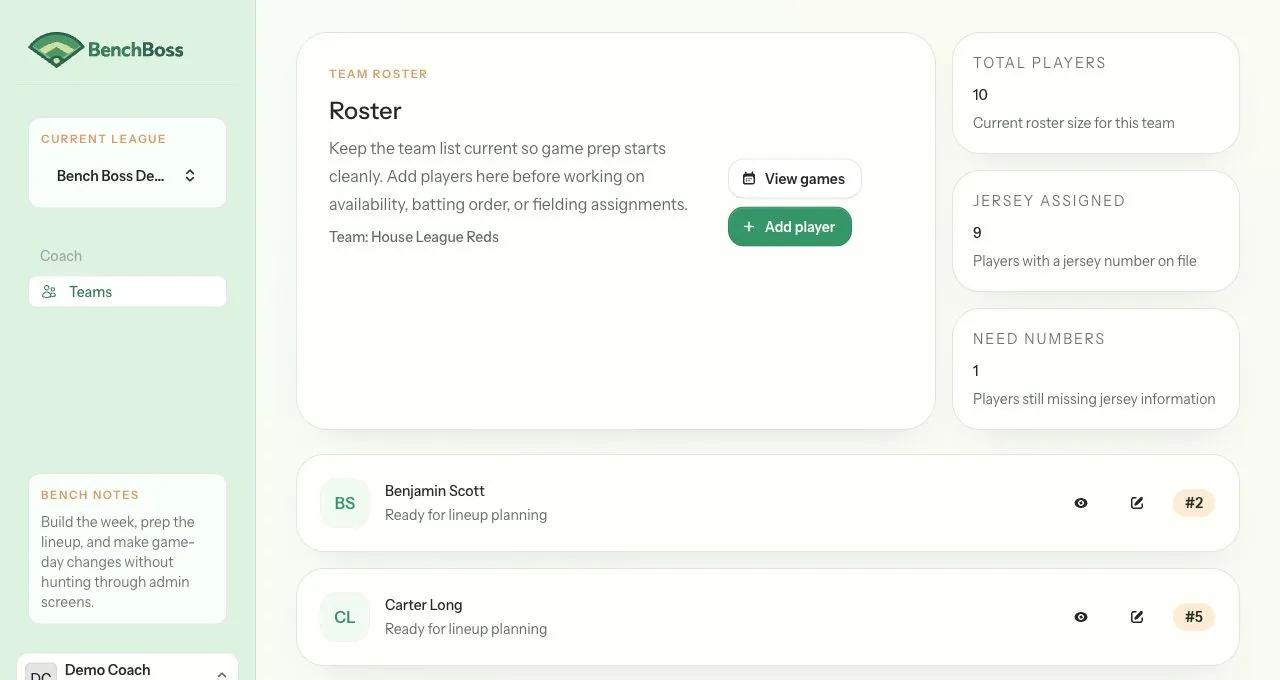
- Review the player list.
- If needed, use View player to open a player’s profile.
- If needed, use Edit player to update a player’s details.
What you can review on the roster page
Section titled “What you can review on the roster page”- Review the total number of players on the team.
- Review which players already have a jersey number.
- Review which players still show No number yet.
Result
Section titled “Result”You will see the current roster for your team and be ready to open a player profile or add a player.